
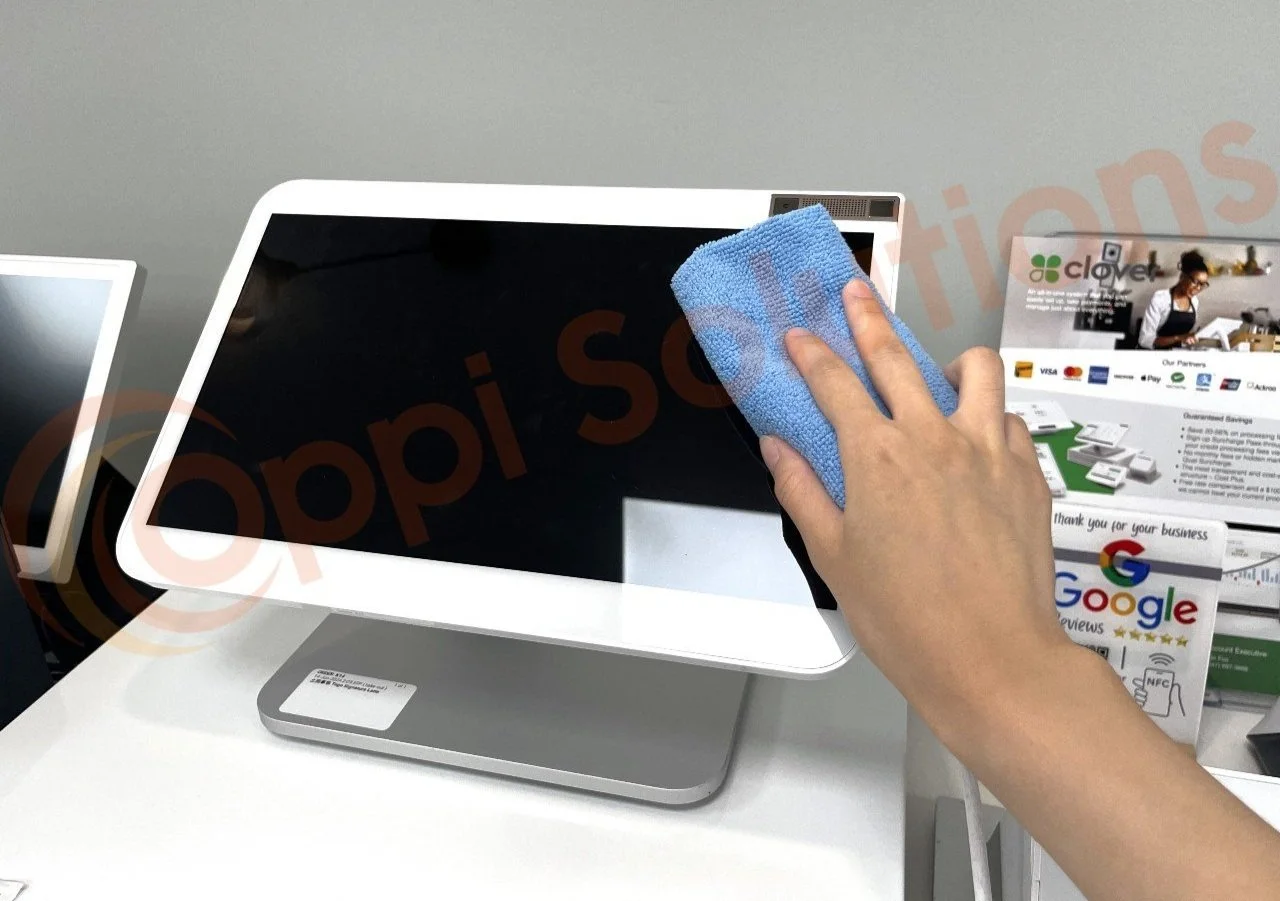
Keep your Clover device clean to make it work better, last longer, and stay safer for your employees and customers. Your Clover touchscreen glass has an anti-fingerprint, oil-repellent coating, so you’ll want to take extra care when you clean the glass. For optimum sterilization, clean surfaces at least once a day.
What You Need:
Soft cloth
75% strength Isopropyl alcohol
Cleaning Steps:
Before cleaning, turn off your device and unplug it from the power source to ensure safety.
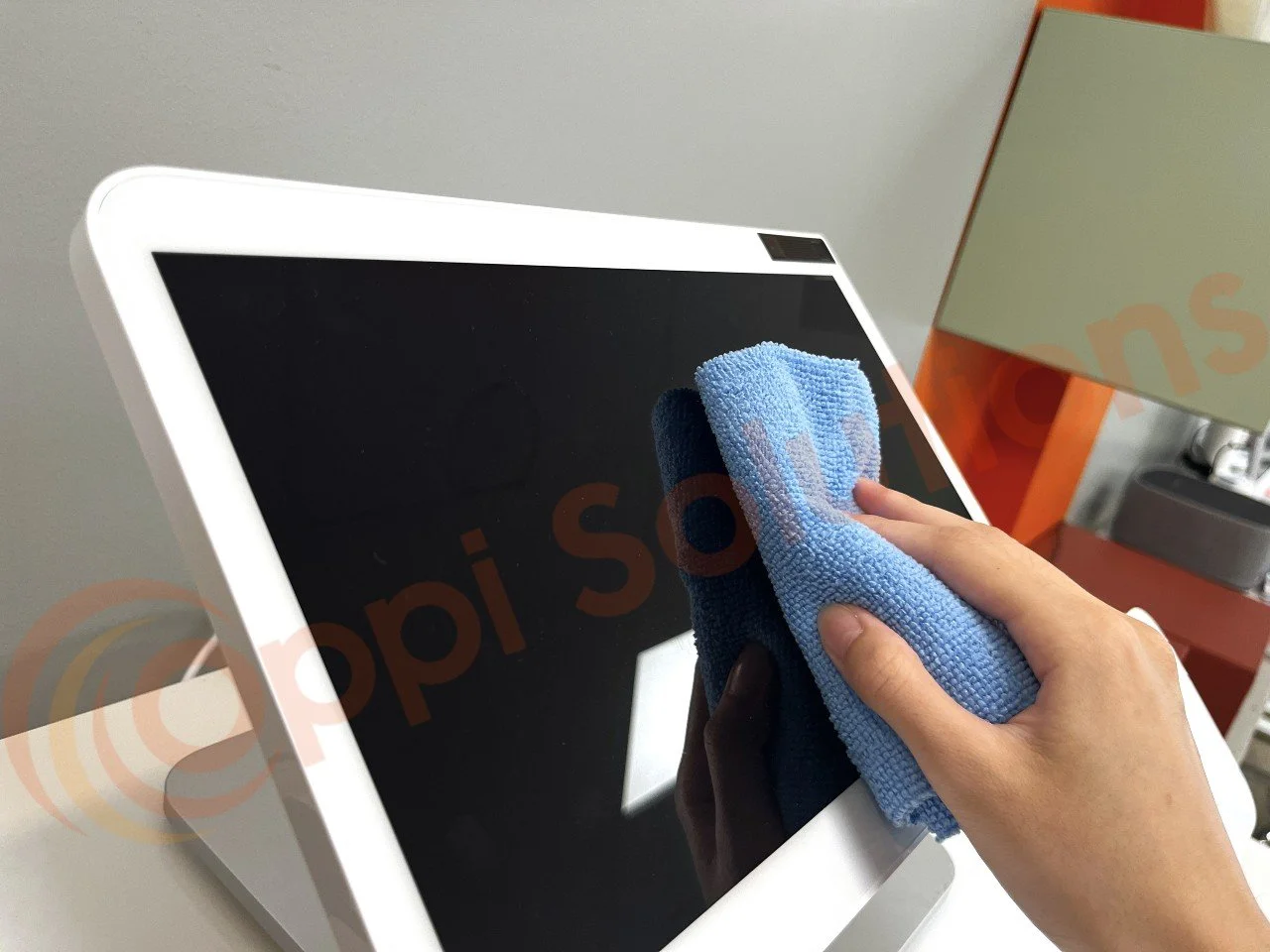
Lightly moisten a soft cloth with 75% Isopropyl alcohol. Gently clean the device and touchscreen. Avoid applying any liquid directly to the device.
After disinfecting, use a dry section of the cloth to wipe the device dry.
Important Reminders:
Avoid rough or abrasive cloths and excessive wiping to prevent damage.
Use at least a 75% alcohol solution to effectively disinfect.
Never spray alcohol or any cleaner directly onto the device.
Prevent alcohol or moisture from entering openings, buttons, or card slots. Use a dry cloth for these areas if needed.
Do not use abrasive cleaners or solvents.
Minimize moisture to avoid potential damage.